WordPress Website Development — 15 Lessons
About This Course
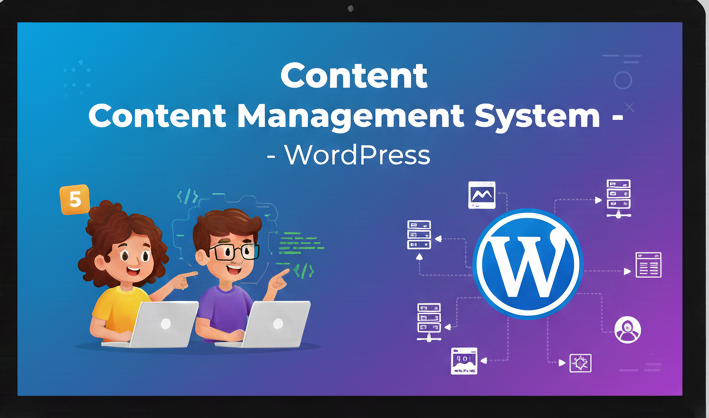
KTECCAN (ages 10–18) will learn to build and manage websites using WordPress. The course covers theme customization, plugins, content creation, and website deployment. Learners gain practical skills for creating professional websites without extensive coding.
What You'll Learn
- WordPress setup and configuration
- Theme and plugin management
- Creating pages and posts
- Media and content management
- Website deployment
Course Curriculum
Curriculum
Lesson 1: Introduction to WordPress 1 week
- What is WordPress
- Setting up local environment
- WordPress dashboard overview
Lesson 2: Themes & Customization 1 week
- Choosing and installing themes
- Customizing appearance
- Menu setup
Lesson 3: Plugins & Widgets 1 week
- Installing plugins
- Configuring widgets
- Enhancing functionality
Lesson 4: Pages & Posts 1 week
- Creating pages
- Adding posts
- Categories and tags
Lesson 5: Media Management 1 week
- Adding images and videos
- Managing media library
- Optimizing content
Lesson 6: Menus & Navigation 1 week
- Creating navigation menus
- Menu customization
- User experience tips
Lesson 7: User Roles & Security 1 week
- Managing users
- Roles and permissions
- Basic security measures
Lesson 8: Contact Forms 1 week
- Installing form plugins
- Configuring forms
- Form submissions
Lesson 9: SEO Basics 1 week
- On-page SEO
- Using SEO plugins
- Optimizing content
Lesson 10: Analytics 1 week
- Setting up Google Analytics
- Tracking visitors
- Analyzing reports
Lesson 11: E-commerce Setup 1 week
- Installing WooCommerce
- Product management
- Basic store configuration
Lesson 12: Custom Post Types 1 week
- Creating custom posts
- Template customization
- Practical exercises
Lesson 13: Backup & Maintenance 1 week
- Database backup
- Site updates
- Security checks
Lesson 14: Performance Optimization 1 week
- Caching plugins
- Image optimization
- Speed tests
Lesson 15: Final Project & Portfolio 1 week
- Building a complete website
- Applying all skills
- Presentation and sharing
Meet Your Instructor
David Johnson
Senior Game Developer & Educator
4.7 (128 reviews)
David has over 10 years of experience in game development and has taught coding to kids for the past 5 years. He specializes in making complex concepts accessible and fun for young learners.
Frequently Asked Questions
What software or tools will my child need for this course?
A PC running on at least Windows 10 or above, Visual Studio Code/Sublime Text 3, Replit, Chrome/Firefox Browser, Internet Access
How much time should my child dedicate to this course each week?
We recommend 1-2hrs hours per week for live sessions and an additional 1-2 hours for practice and projects. The course is designed to be flexible to accommodate school schedules.
What if my child misses a live session?
All live sessions are recorded and available for students to watch later. We also provide additional support through our online community and one-on-one help sessions.
Does my child need any prior coding experience?
No prior experience is necessary! This course is designed for complete beginners. We start with the very basics and gradually build up to more complex concepts. However, some courses have prerequisites.
What kind of support is available during the course?
Students receive support through multiple channels: live Q&A during sessions, a dedicated student community, email support, and optional one-on-one tutoring sessions if needed.