explore computer for kids COURSES
Beginner
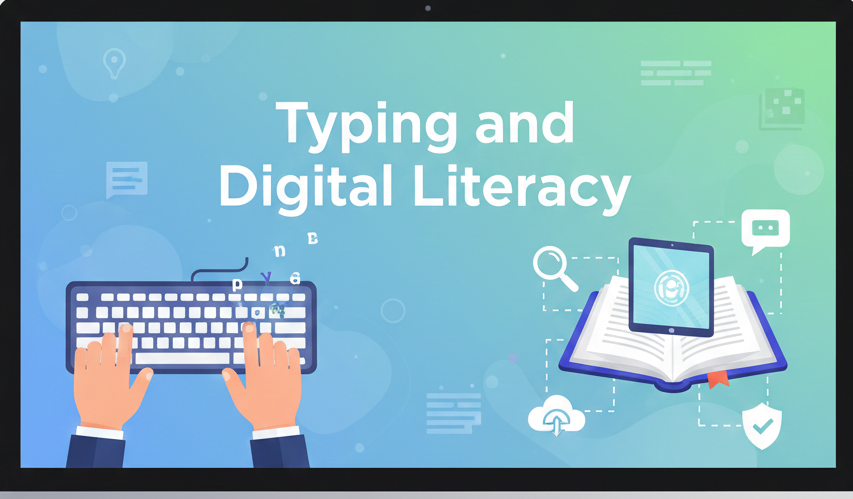
Typing and Digital Literacy
Build typing speed and digital skills (ages 6–12). Practice typing, file management, shortcuts, and safe internet use.
₦45,000.00
Enroll Now
Beginner
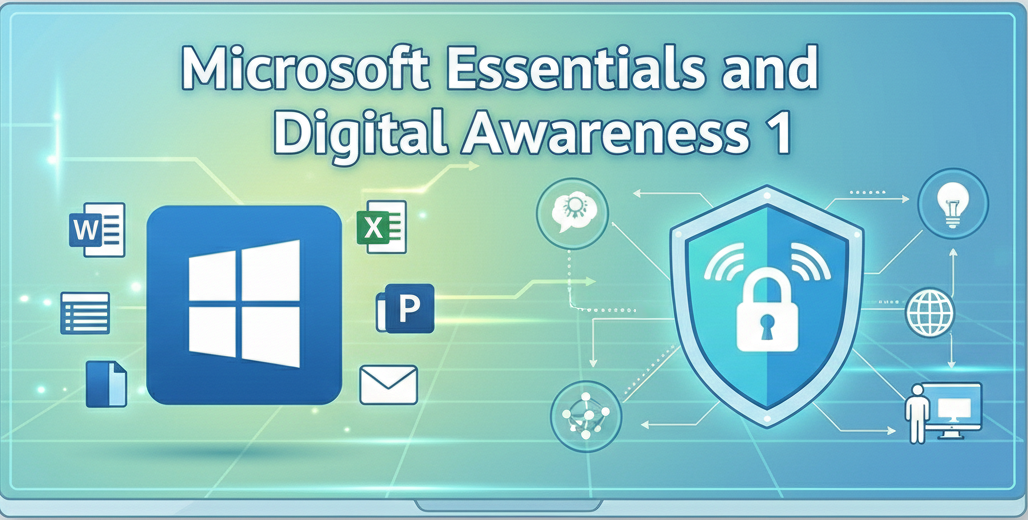
Microsoft Essentials and Digital awareness 1
Learn Microsoft Word (ages 6–12) with hands-on exercises: create, format, and save documents for school and projects.
₦80,000.00
Enroll Now
Beginner
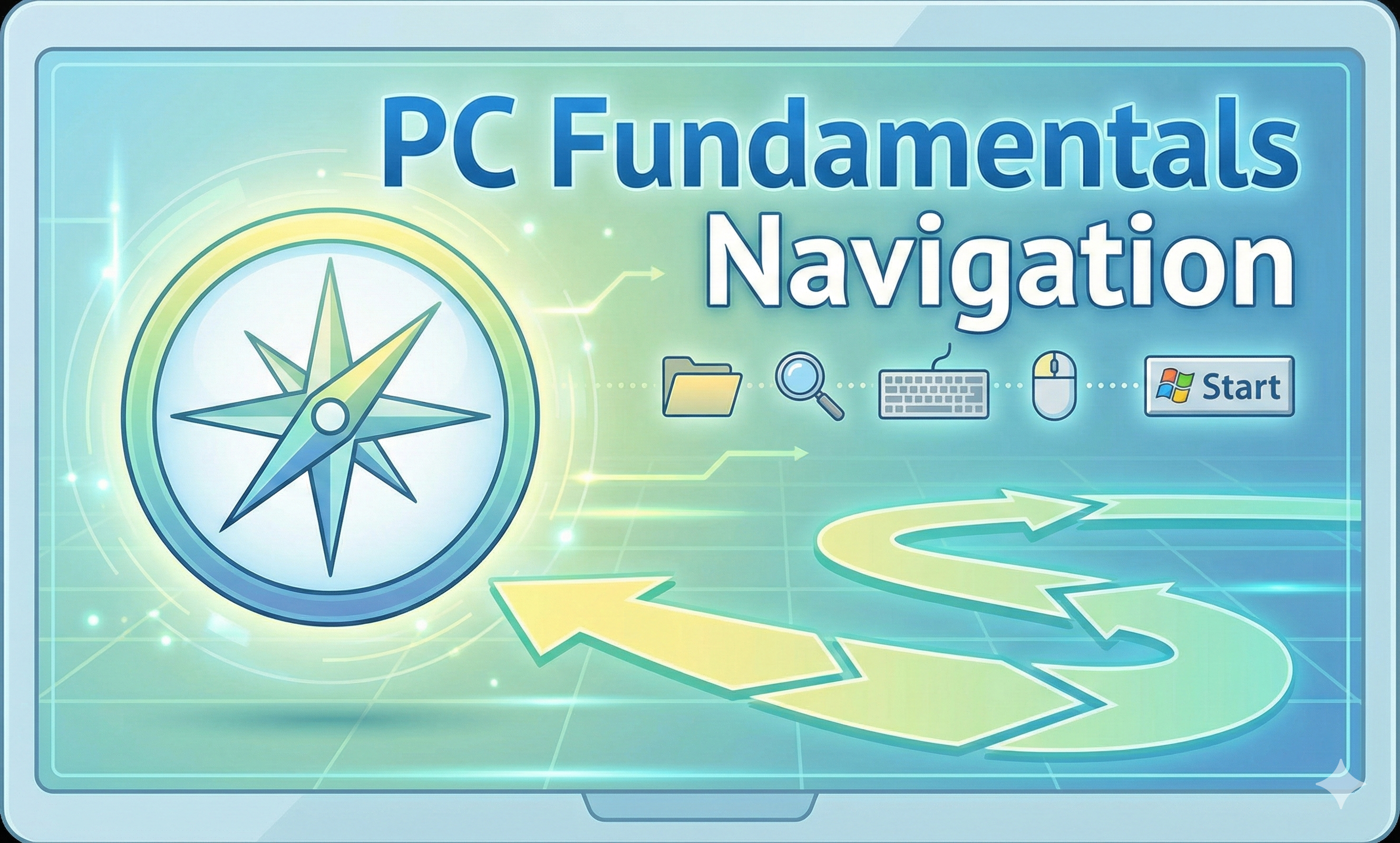
PC Fundamentals Navigation Digital Literacy
A fun starter course (ages 5–12) to learn mouse & keyboard skills, desktop navigation, and simple mini-projects. A perfect first step into digital learning.
₦ 50,000.00
₦0
Enroll Now
Intermediate
Educational Games and Activities
Learn computers through fun games (ages 5–12). Boost logic, memory, and problem-solving while playing.
₦55,000.00
Enroll Now
Intermediate
Digital Art and Creativity
Create digital art (ages 5–12) with Tux Paint or Microsoft Paint. Learn drawing, colors, shapes, and fun mini-projects.
₦45,000.00
Enroll Now
Intermediate
Microsoft Essentials and Digital Awareness 2
Explore Excel and PowerPoint (ages 7–12): simple spreadsheets, formulas, charts, and engaging slides with animations.
₦70,000.00
Enroll Now